At a glance
Star Trek Fleet Command is an online strategy game about building a station and directing ships across a shared galaxy. Use this Star Trek Fleet Command guide to identify your next decision: understand the loop, match a fleet to its task, then check current requirements before spending resources.
Quick answer
- Start with the tutorial and Missions, rather than chasing an advanced ship list.
- Choose a ship and crew for a specific activity, such as mining or fighting hostiles.
- Treat event rewards as optional goals with separate eligibility and deadlines.
- Check your existing account before starting again on another device.
Checked against: Scopely's game overview, Help Center and Division 12 Week 2 announcement on October 29, 2026. This is a source-based orientation, not an installation test.
What kind of game is Star Trek Fleet Command?

Scopely describes STFC as a 4X MMO: a shared strategy world built around exploration, expansion, resources and conflict. You develop a station, construct ships and recruit officers while cooperating or competing with other players. The Star Trek setting supplies recognizable characters and locations, but the routine revolves around managing your account.
There is no single campaign finish line that makes every activity complete. Missions, upgrades and recurring events serve different goals. That makes a maximum completion time unhelpful: unlocking one ship does not finish the surrounding progression systems.
Do this first: complete the tutorial and open Missions. Scopely's introductory guide recommends Missions when you are unsure where to go. Use those objectives to learn the controls before committing scarce materials to a distant unlock. Joining an alliance also introduces shared tasks, rather than turning this into a purely solo progression game.
How do ships, crews and station research fit together?

Choose the job before comparing power. The useful question is whether an upgrade helps the activity you actually run.
| Your immediate task | Check first | Why it matters |
|---|---|---|
| Build a ship | Blueprints, research and shipyard requirements | Blueprints alone may not unlock construction. |
| Fight a target | Ship class and relevant crew abilities | Interceptors, Explorers and Battleships have different matchups. |
| Gather a resource | Survey ship, cargo and the required node | Survey ships specialize in mining and carrying resources. |
| Resolve a station bottleneck | The requirement blocking your next useful unlock | An unrelated upgrade can consume the same limited budget. |
The official Ships Guide distinguishes four classes. Survey ships can fight, but combat is not their main purpose. The other three classes form the combat triangle. Picking a suitable class helps; it does not erase every difference in upgrades or enemy strength.
Crew placement matters too. A captain activates a Captain's Maneuver, while bridge officers supply their Officer Abilities. Matching synergy groups can strengthen the captain's effect. Below-deck officers may have their own specialized abilities, so read the actual description instead of assuming every slot works alike.
Mining needs attention even when the collection itself runs automatically. A full ship stops collecting but stays at its node. Materials become usable after the ship returns home, and an attack can put cargo above its Protected Cargo amount at risk. Check capacity before leaving a miner unattended.
Common mistake: treating a larger power number as the answer to every task. Match the ship, crew and resource investment to one clear objective.
Where can you play and what changed recently?

Scopely advertises Windows, macOS, iOS and Android versions. Its desktop support page tells existing mobile players to save their progress with a Scopely Account before signing into the desktop client. Check that account first; a fresh account is not a substitute for recovering existing progress.
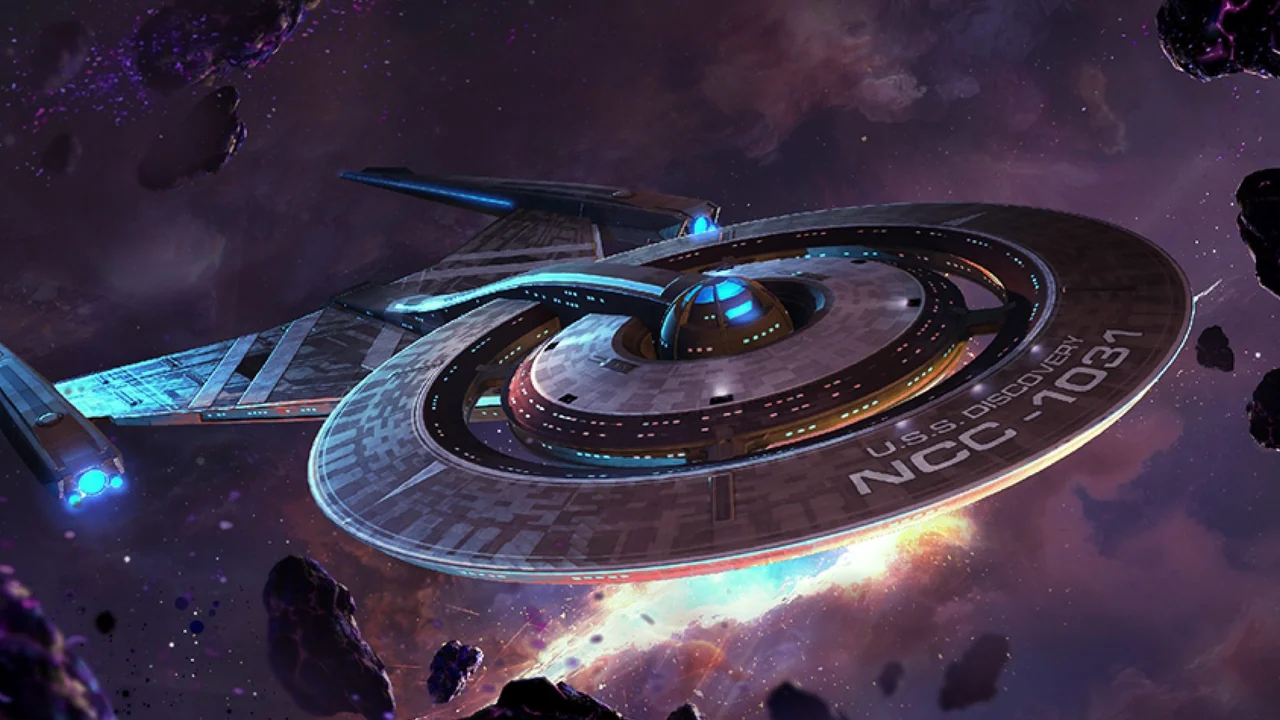
Use the publisher's download route and read its current instructions. The desktop artwork above comes from the historical PC announcement; it is not evidence that a current installer was tested for this guide.
Separate permanent systems from temporary events. Scopely's October 22 Division 12 Week 2 announcement schedules the Halloween finale and Event Store to begin October 29, with the store available through November 1. Requirements and rewards vary by activity and Operations level. Check the live event panel before committing resources.
That announcement also describes performance and reliability work. Those are publisher updates, not measured improvements from our own hardware. Older Haven notes remain historical references, rather than the current version label for this guide.
Which next step fits your account?
Pick the row describing your current obstacle, then solve that obstacle before starting another resource project.
| Your position | Next useful action |
|---|---|
| New commander | Finish the tutorial, then use Missions to learn the account's core activities. |
| Ship goal blocked | Identify whether blueprints, research or a shipyard requirement is missing. |
| Returning commander | Check the saved account, current events and eligibility before spending old resources. |
| Unsure about the genre | Compare the account loop with our Rise of Kingdoms strategy overview. |
Quick questions
Is it free to start?
The official site advertises free play. Optional purchases remain part of the game; free entry does not mean every upgrade or event goal is free.
Can you finish everything?
Not with a reliable universal hour count. Decide which missions, ships or activities matter to you, rather than treating an ongoing account as a finite campaign.
Where should you check requirements?
Use the relevant in-game description and current official support or event announcement. An older guide is useful context, but it cannot establish that your account qualifies for a new reward.
If you only do one thing: name your next useful unlock and identify its actual blocker before spending.