At a glance
Infinity Kingdom links city development with Immortal-led armies, elemental dragons and alliance activity. Start with a small formation you understand, then connect city upgrades to the job it needs. This Infinity Kingdom guide explains that relationship before you commit resources or switch PC clients.
Quick answer
- Do this first: identify the client and account you intend to keep.
- Match Immortals, troop roles, positions and a suitable elemental dragon.
- Choose an alliance whose expectations fit your available time.
- Read current costs before upgrading; old guides are not current price sheets.
Checked against the publisher’s website, Steam, Epic and official system guides on November 4, 2026. This is a documentary overview, without a claimed account playtest or timed progression route.
What is Infinity Kingdom and where can you play?

Infinity Kingdom is a free-to-play strategy MMO about developing a city and fielding Immortal-led forces in Norheim. PvE challenges and conflict with other players share that setting. PC distribution exists through Steam and Epic, but their account descriptions differ; choose your route before assuming existing progress transfers.
The Steam page identifies YOUZU and requires a GTA account, with Steam linking supported. The Epic listing identifies R2 Games and an Epic ID or R2 Games ID. These are not proof of one interchangeable account system.
| Option | Recommendation | Why |
|---|---|---|
| Existing account | Confirm its supported PC route first. | A matching game title does not prove compatible progress. |
| New Steam account | Use a system supported by Steam itself. | Steam requires Windows 10 or later despite the game’s older Windows 7 minimum. |
| Epic distribution | Read that client’s account conditions separately. | Its publisher and login description differ from Steam’s. |
This is a platform map, not a tested installation walkthrough. Read the current listing before downloading, and ask the relevant support team about an existing account rather than guessing at a transfer.
How do Immortals, dragons and troops connect?

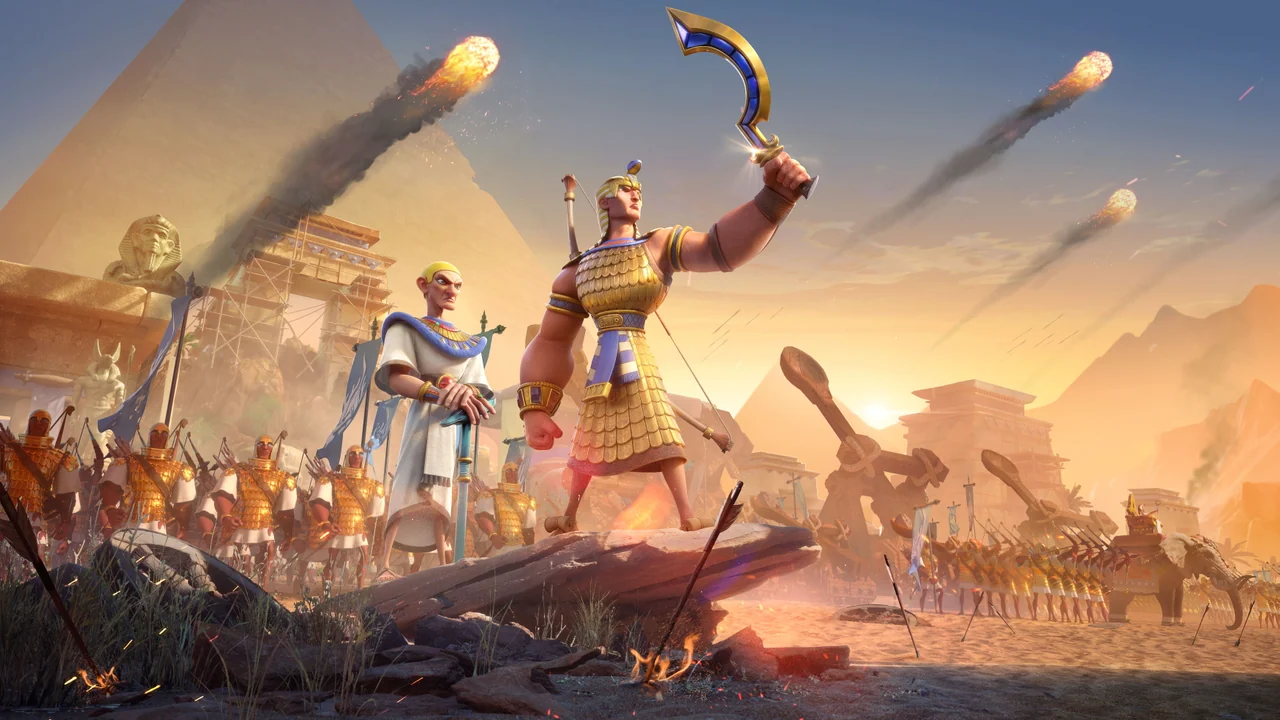
Build a formation by considering an Immortal’s troop type, element and position together. The official game overview presents those as connected decisions. Steam’s publisher description also explains matching a dragon’s element with the Immortals to activate elemental benefits.
Do not choose an upgrade just because a historical name is familiar. Read the unit’s stated job and the effect your formation lacks. Then ask whether that upgrade helps the activity you actually plan to attempt.
Use this review before spending:
- Identify the Immortals and troops currently available to you.
- Read their role, element and position information.
- Check how the selected dragon supports that formation.
- Improve one identified weakness before opening another upgrade project.
The dragon illustration highlights a creature-development theme, without providing an interface or recommended account targets. This guide neither ranks the roster nor promises that one element wins every matchup.
Common mistake: improving several disconnected units without deciding which formation they serve. A coherent plan is easier to evaluate than a collection of upgrades chosen independently. Reassess when a new requirement or available unit changes that plan.
What changes when you join an alliance?

An alliance adds shared goals, support and responsibilities to your individual city. The publisher’s alliance features guide describes technology contributions, help with construction and research, territorial activity and cooperative boss rallies. Its historical numbers are not repeated here as current limits.
Choose the social fit before chasing the group with the largest advertised power. Ask how members coordinate, which language they use, and when participation is expected. An active group can still be unsuitable if its schedule conflicts with yours.
Before joining, check:
- Activity: does the group’s advertised routine match what you want to play?
- Communication: can you follow its instructions and ask beginner questions?
- Commitment: can you attend the activities it considers important?
- Expectations: are contribution and spending requests clear before you commit?
The territorial illustration shows troop routes, without establishing a measured population or guaranteed reward. Keep those ideas separate when judging a recruitment message. An invitation is a reason to ask questions, not evidence that a group fits you.
What should a new player know about time and purchases?

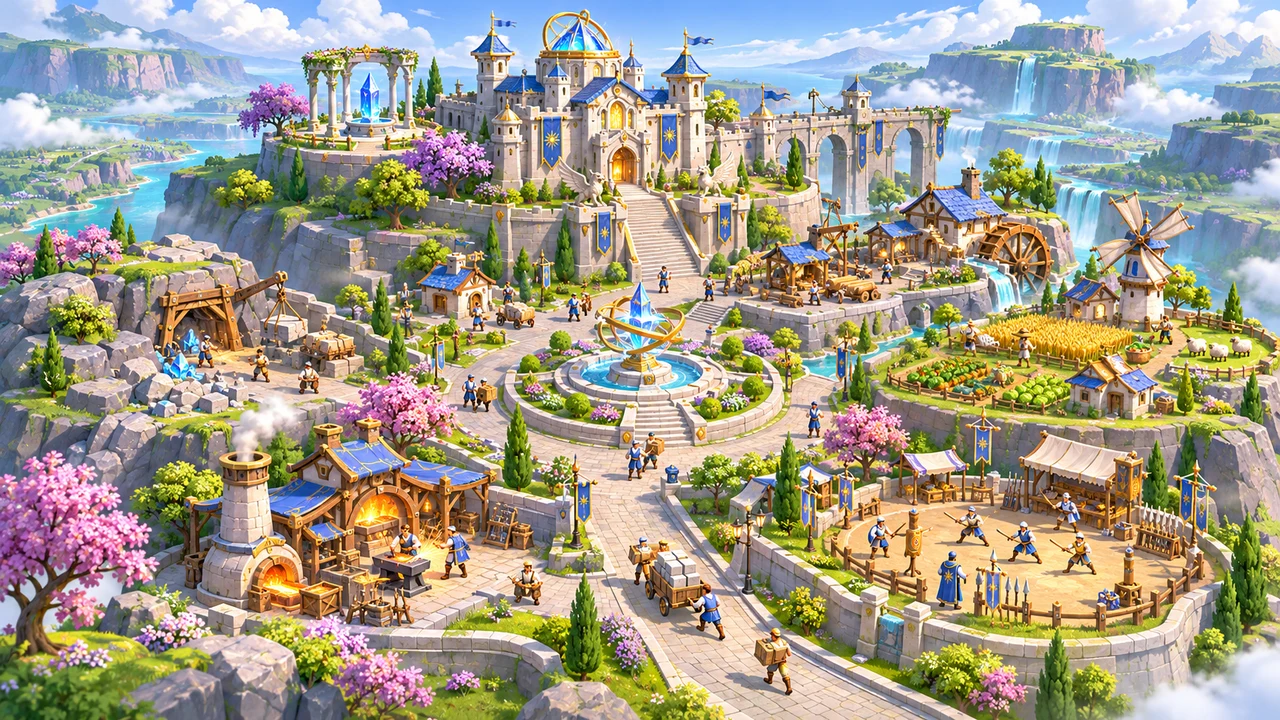
Plan city development around the next useful requirement rather than an imagined final completion date. The publisher’s building introductions explain how structures support research, troops, protection and Immortal development. Check current in-game requirements before treating a historical building guide as an exact unlock schedule.
Start a session by naming one job: improve a formation, address a city requirement, or coordinate an alliance activity. Keep that job separate from every offer the interface presents. A more expensive project is not automatically the next useful one.
The game includes purchases; Epic explicitly labels random-item purchases. Read what an offer supplies and whether it depends on chance. Set a spending boundary, including zero, before a limited-time message makes the decision feel urgent.
Worth doing now: understand the systems you already use and the account route you intend to keep. Not worth doing yet: paying to accelerate a project whose purpose you cannot explain. No purchase or upgrade sequence here is presented as a tested fastest route.
For a different strategy framework, our Rise of Kingdoms overview explains its city, commander and alliance decisions. Read it as another game’s introduction, not as interchangeable instructions for Infinity Kingdom.
If you only do one thing: settle on a clear formation and a compatible alliance routine before spreading resources. Leave exact event deadlines, costs and account-transfer questions to their current source.
What changed — November 4, 2026: first overview, distinguishing PC distributions and dated system documentation.
Quick questions
Do Steam and Epic share progress?
Their account listings do not establish compatible progress. Confirm with support.
Can I use Steam on Windows 7?
Steam requires Windows 10 or later, despite the game's older minimum.
Is there a fixed finish time?
No verified maximum completion time is established here for ongoing city and alliance play.
Sources · checked Nov 4, 2026
- YOUZU via Steam — PC distribution, account, formations and client OS warning
- GTarcade / YOUZU — publisher game overview
- Epic Games Store — R2 Games distribution and purchase disclosures
- GTarcade / YOUZU — Alliance Features, May 7, 2020; mechanics only, no numeric current limits inferred
- GTarcade / YOUZU — Building Introductions II, May 13, 2020; broad functions only