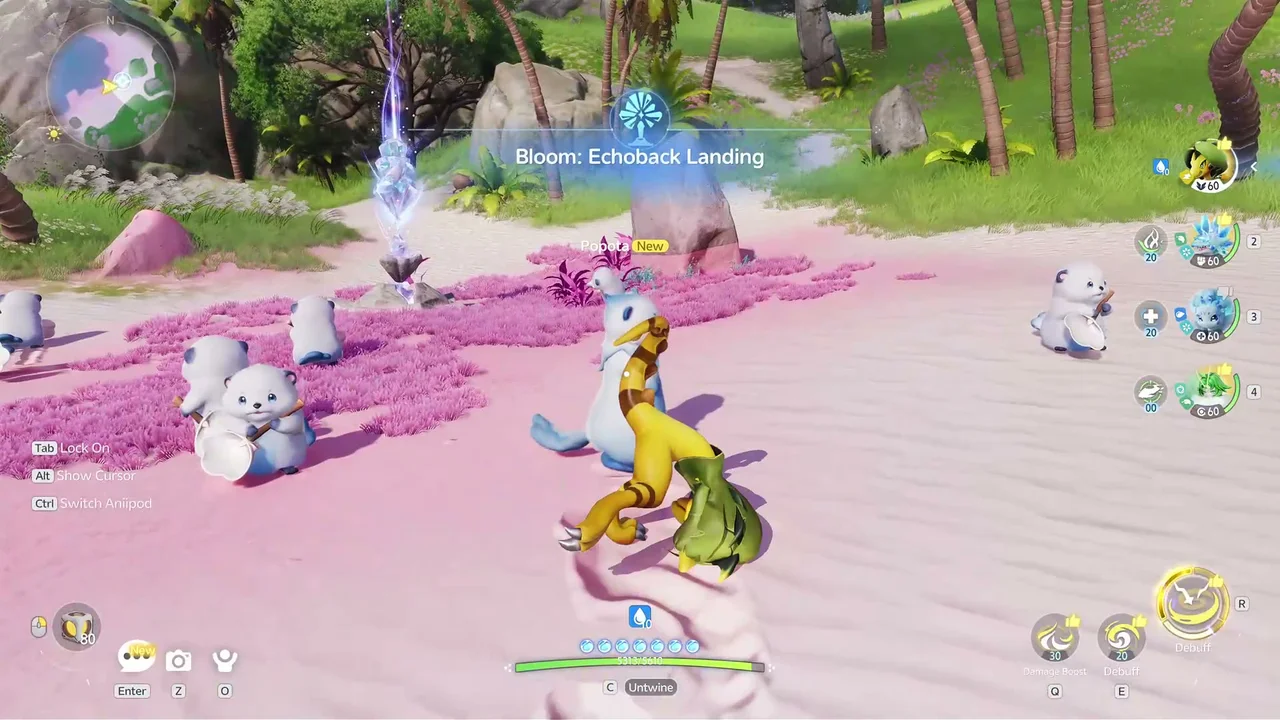
At a glance
Aniimo brings creature collecting and open-world exploration to Windows. To prepare an Aniimo download, choose an official version, compare its requirements with your PC, then install through that channel and check your account before starting. This is a sourced checklist; GameSelecto has not performed a clean installation or performance test.
Quick answer
- PC routes include Steam, Epic Games Store, and aniimo.com.
- Check your CPU, GPU, RAM, operating system, and available storage.
- Steam specifies 40 GB available space, not a measured download size.
- Confirm your intended account before creating another profile.
Checked against: the current Steam listing, FunPlus platform page, and official cross-progression announcement on November 6, 2026.
In this checklist: Choose a version · Check your PC · Download and launch
Choose an official PC version
Start from an official link, then choose the store or launcher you intend to keep using. The FunPlus game page links Steam and Epic; the mobile-launch announcement also confirms aniimo.com as a PC route.
Follow these checks before downloading:
- Pick one distribution. An existing Steam or Epic library can make that route convenient. The official website provides the game's other PC route.
- Confirm the identity. On Steam, look for Aniimo by Pawprint Studio, app 4126040. Similar spelling can lead to an unrelated product.
- Read that version's current requirements and conditions. Do this on its own listing, rather than assuming every launcher has identical specifications.
- Identify existing progress. If you play on another device, establish which account you intend to continue before creating a fresh profile.
| Option | Recommendation | Why |
|---|---|---|
| Steam | Use it if it is your preferred library | Requirements and launch controls are documented on its listing |
| Epic | Follow the official Epic link | It keeps the install in your chosen library |
| aniimo.com | Begin at the official website | It avoids an unaffiliated download mirror |
These are library choices, not a performance ranking. No comparison here establishes that one version runs faster or transfers fewer files. For the game's wider systems, visit our Aniimo beginner guide.
Check the PC system requirements
Compare your hardware with the requirements published for Aniimo on Steam. The table applies to Steam app 4126040 as checked November 6. It does not establish requirements for every other client.
| Component | Steam minimum | Steam recommended |
|---|---|---|
| Operating system | Windows 10, 64-bit | Windows 10 or newer, 64-bit |
| Processor | Intel Core i7-4770 / AMD Ryzen 7 2700 | Intel Core i7-10700 / AMD Ryzen 5 5600 or better |
| Memory | 8 GB RAM | 16 GB RAM |
| Graphics | NVIDIA GeForce GTX 970 / AMD Radeon RX 5600 | NVIDIA GeForce RTX 3060 / AMD Radeon RX 6700 or better |
| DirectX | Version 11 | Version 11 |
| Connection | Broadband internet | Broadband internet |
| Storage | 40 GB available | 40 GB available |
Before you start: write down each full component model and the drive's free space. Compare those details with the table. “Core i7” and “gaming laptop” do not identify a particular generation or configuration.
If a component falls below minimum, read your chosen client's guidance before continuing. Switching storefronts is not evidence that the limitation disappears. Meeting the recommended list also does not guarantee a specific frame rate or graphics preset.
Common mistake: calling the storage requirement the download size. Steam lists available space. It does not provide a transferred-file measurement here. Check what the installer reports, and leave room for updates without treating an invented reserve as an official requirement.
Steam also lists NEP kernel-level anti-cheat and a third-party EULA. Read those conditions before deciding to install.
Prepare your account and first launch
Download through your chosen official channel, follow its current installation prompts, and verify your profile before playing or purchasing. The exact account-linking screens and first-launch sequence have not been observed for this guide.
Use this sequence:
- Open the verified listing or official launcher route. On the checked Steam listing, the free entry action is Play Game. Other channels may use different wording.
- Follow that channel's installation prompts. Review the destination drive and space estimate when shown. Do not substitute a third-party installer because an unofficial search result appears first.
- Use the account you intend to keep. FunPlus confirms cross-play and cross-progression across the listed PC, console, and mobile versions. Follow the current account instructions before creating another character.
- Check the displayed profile and progress. If expected progress is missing, stop before buying anything. Consult official support rather than assuming a fresh profile proves a transfer failed.
If installation or launch fails, record the exact message and which client produced it. Check the client's current support instructions. This checklist does not establish a universal repair for anti-cheat, driver, or account errors.
Is the Aniimo PC download free?
Steam lists free-to-play access with in-app purchases. Optional items remain separate from the download decision.
Is Aniimo a 40 GB download?
The requirement is 40 GB of available storage. The actual transfer and later patch sizes are not measured here.
Can I continue mobile progress on PC?
FunPlus confirms cross-progression. Use the current account instructions so both sessions access your intended profile.
What changed — November 6: requirements were rechecked, and the checklist now includes the official download action and a clear first-launch sequence. If you only do one thing before installing, verify the game listing and the account you plan to keep.
Sources · checked Nov 6, 2026
- Steam / Pawprint Studio — Windows requirements and store features
- FunPlus — official Aniimo platform and distribution overview
- FunPlus — official mobile launch and cross-progression announcement